A modular platform tailored to your company

Start with the essentials and add features as your company grows.

Time and Attendance

Track your team's attendance in real time.

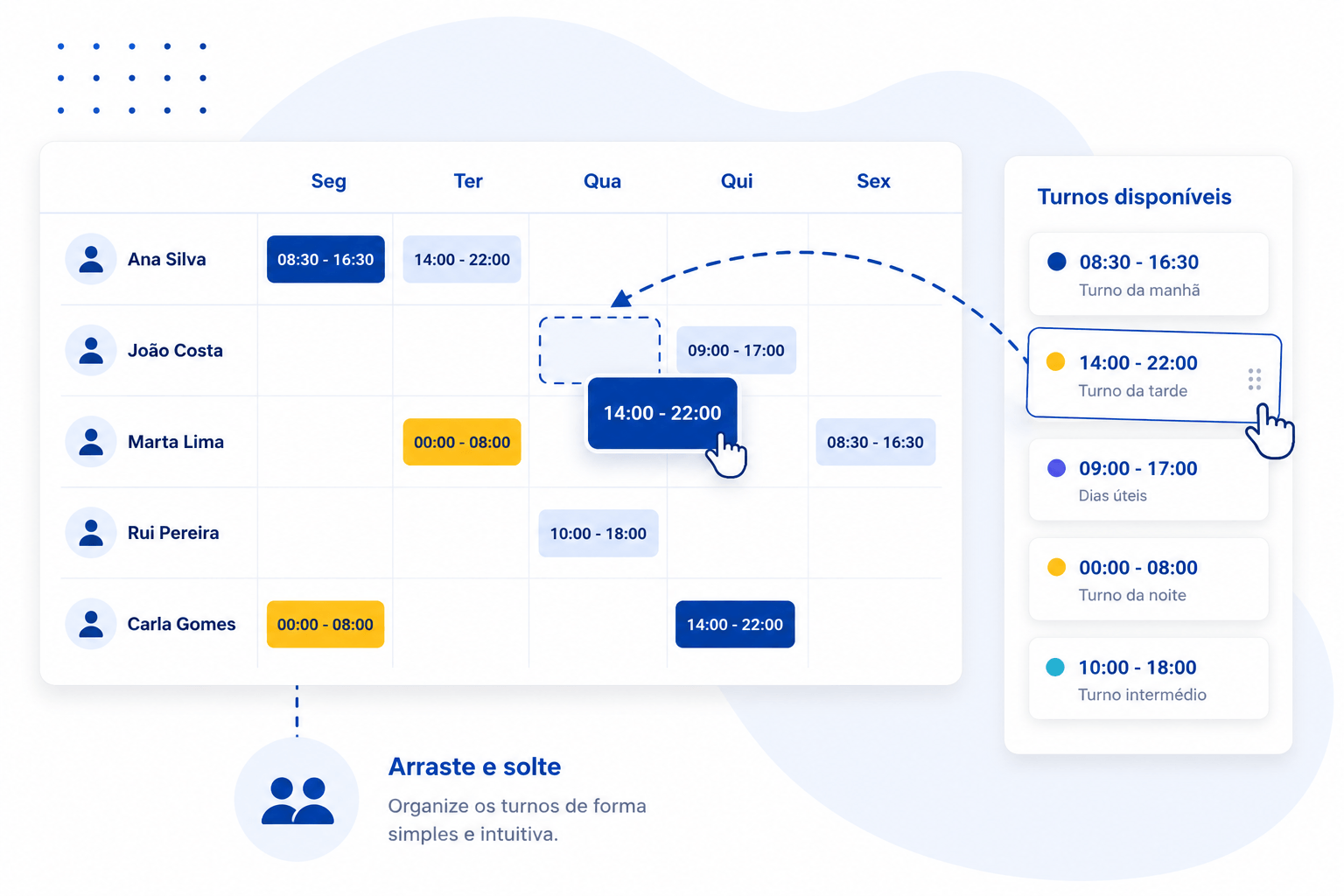
Shifts and Schedules

Plan shifts and rosters easily.

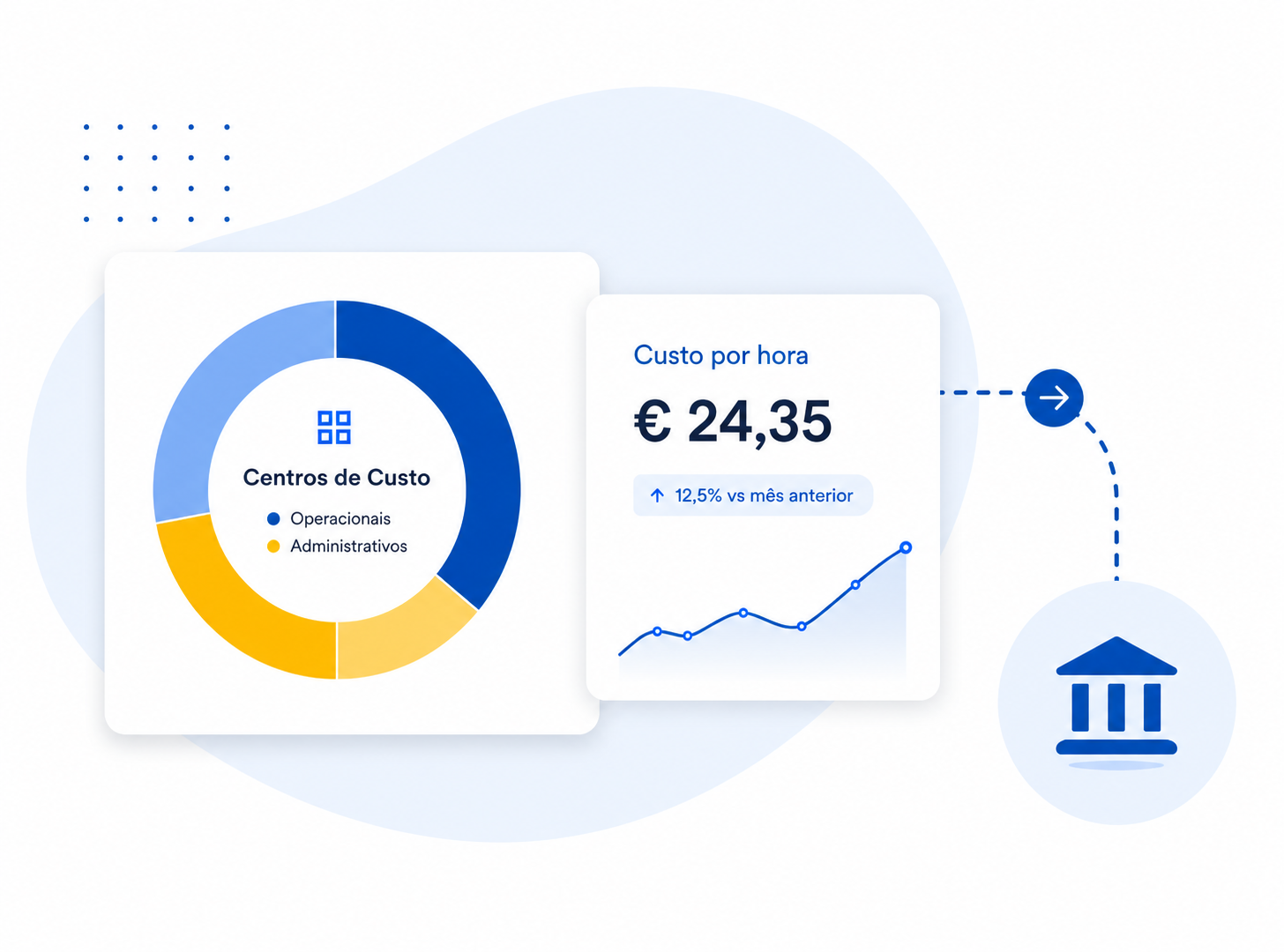
Cost Centers

Allocate time and analyze costs accurately.

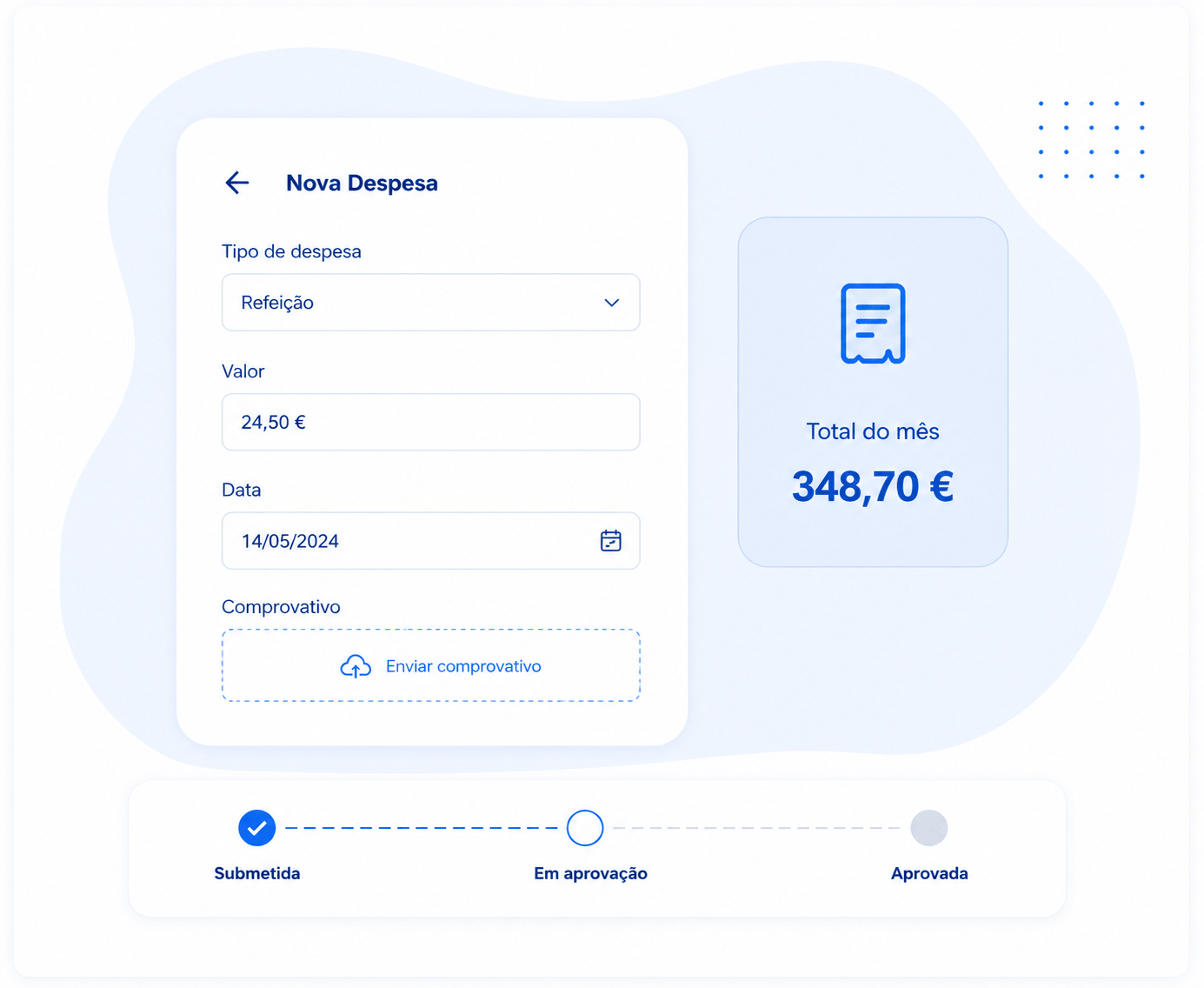
Allowances and Expenses

Submit, approve and manage expenses easily.

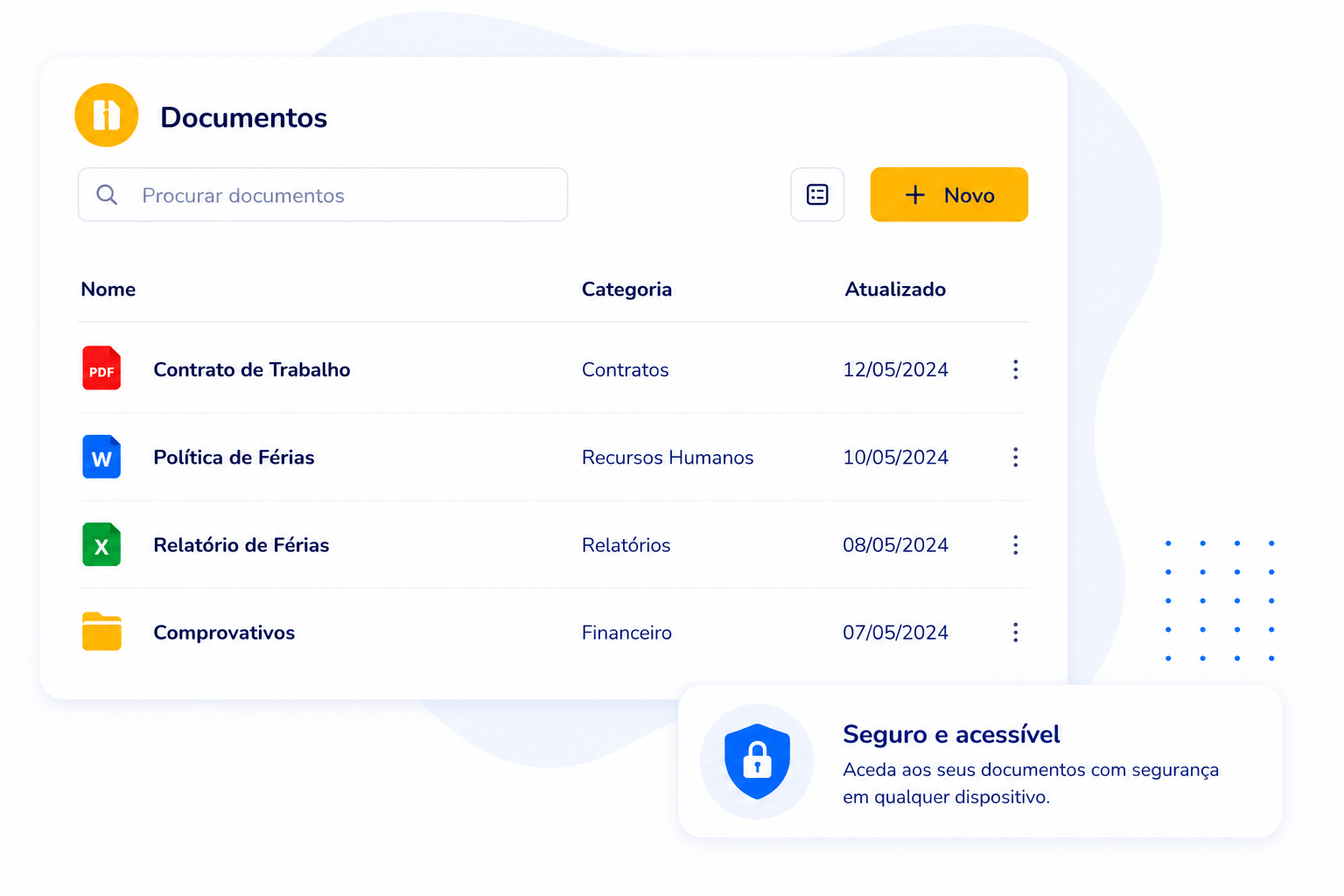
Digital Archive

Store and organize documents securely. Includes reports.

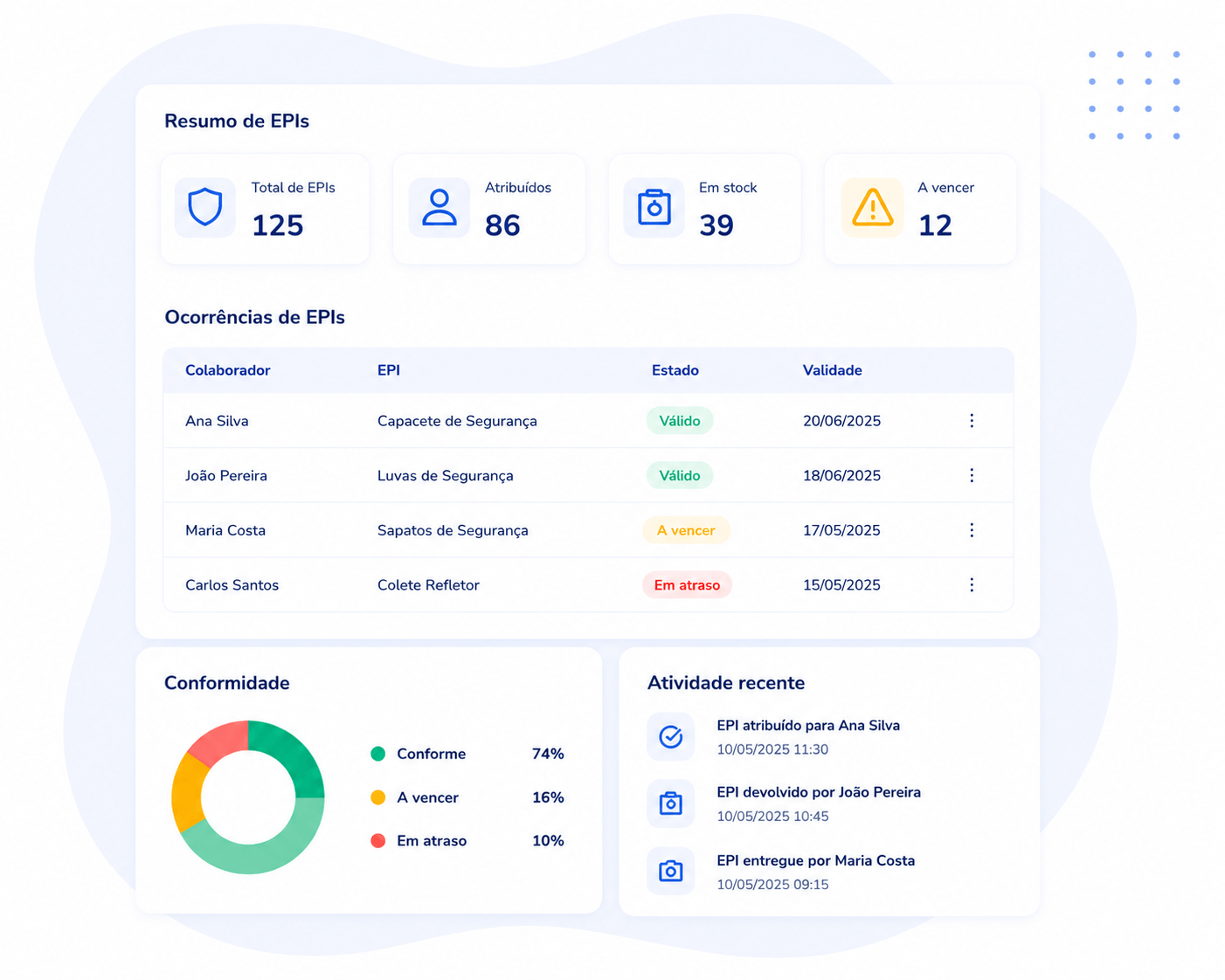
PPE Management

Manage PPE inventory, deliveries and expiry dates.

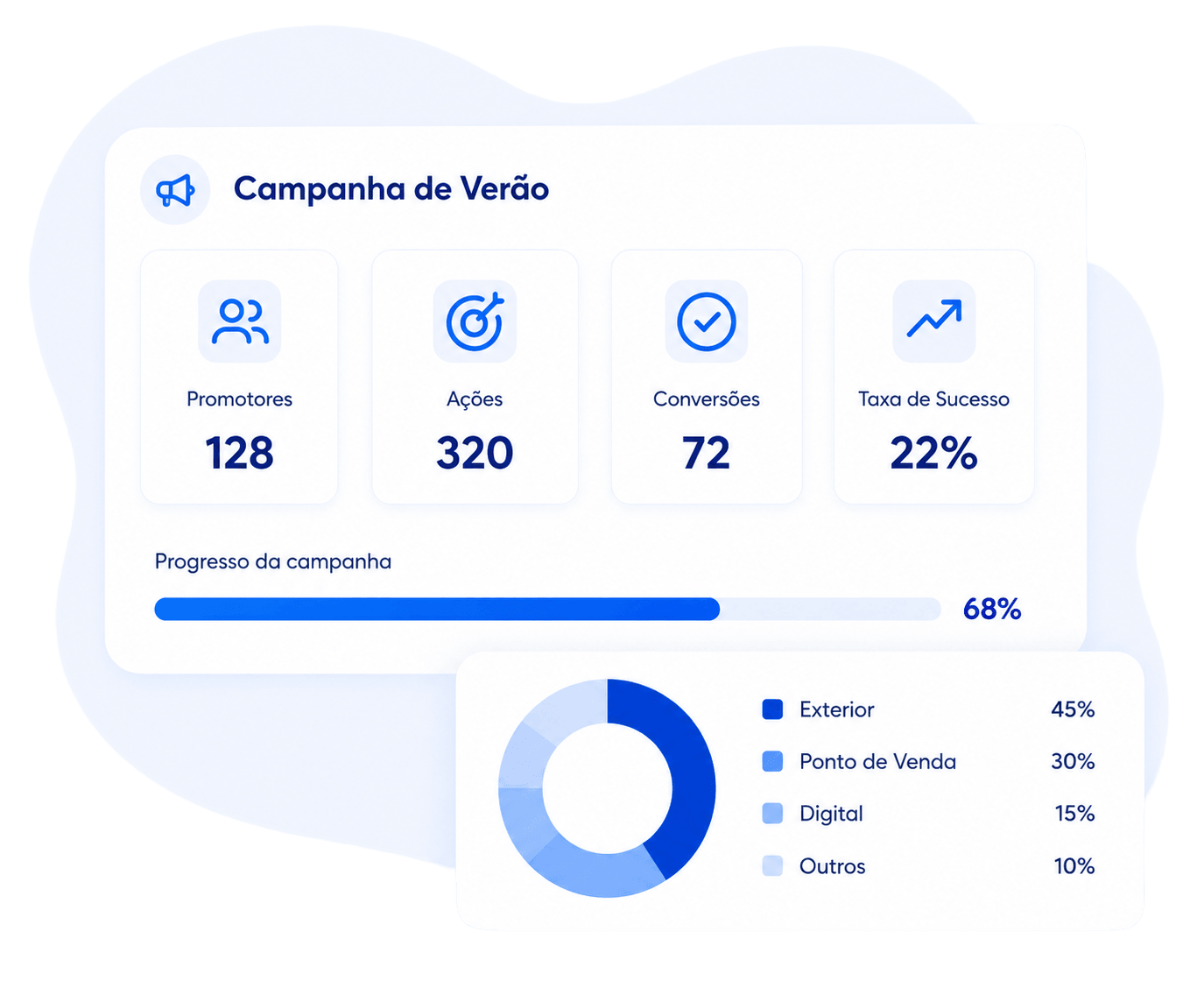
Campaigns

Plan and monitor field campaigns in real time.

ADD-ON

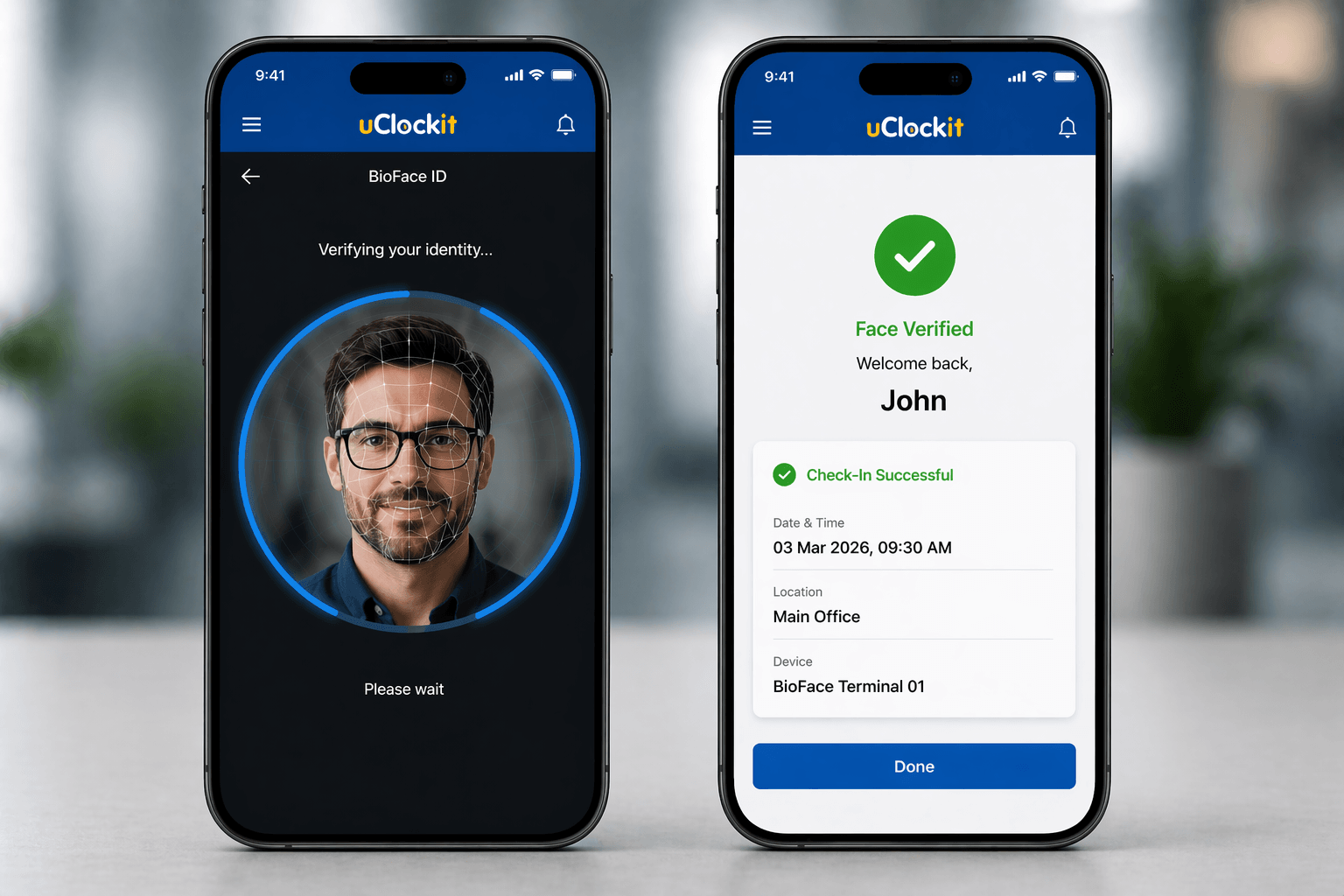
BioFaceID

Attendance control through facial recognition.

Discover our modules

Activate only the modules you need. Grow at the pace of your business.
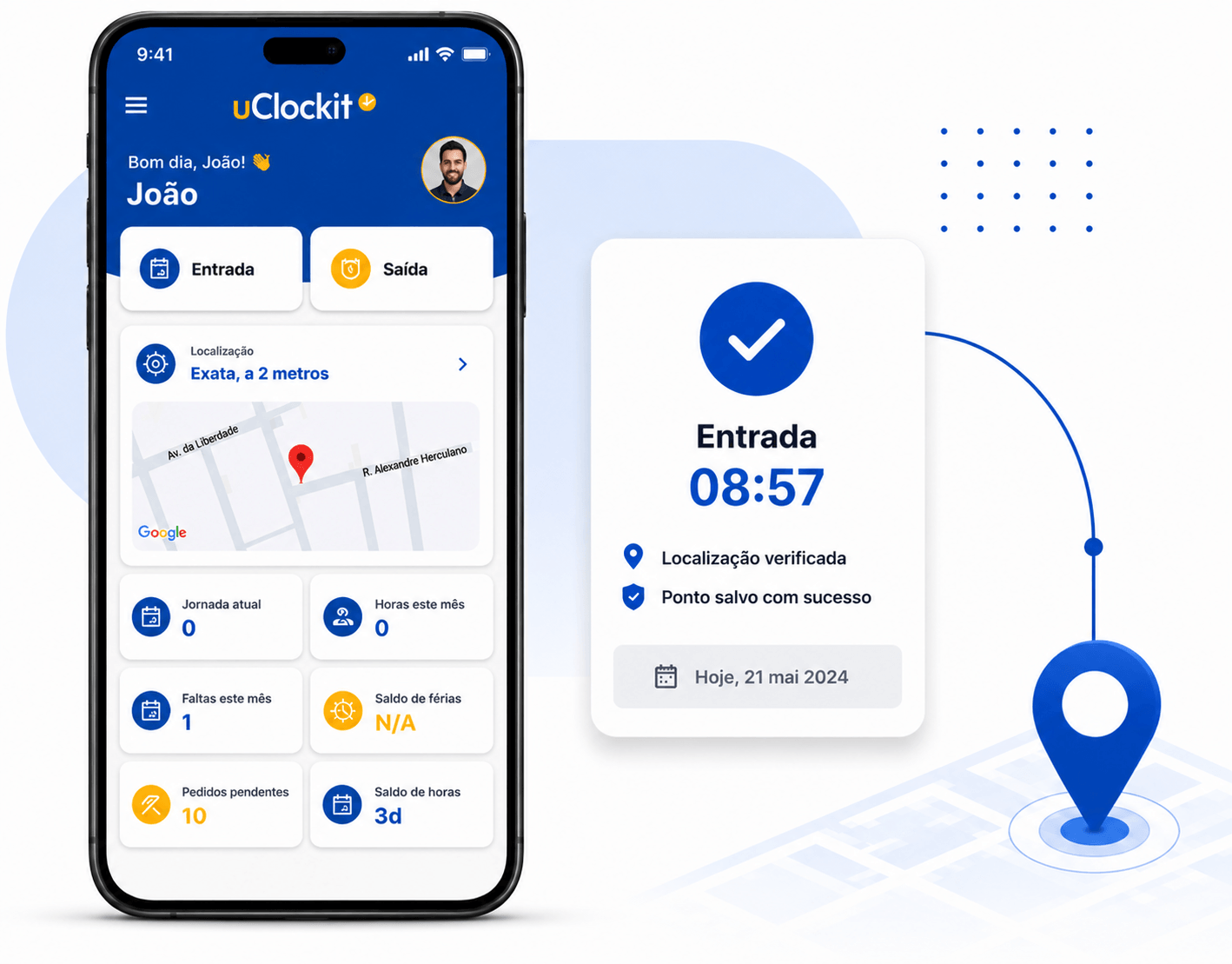
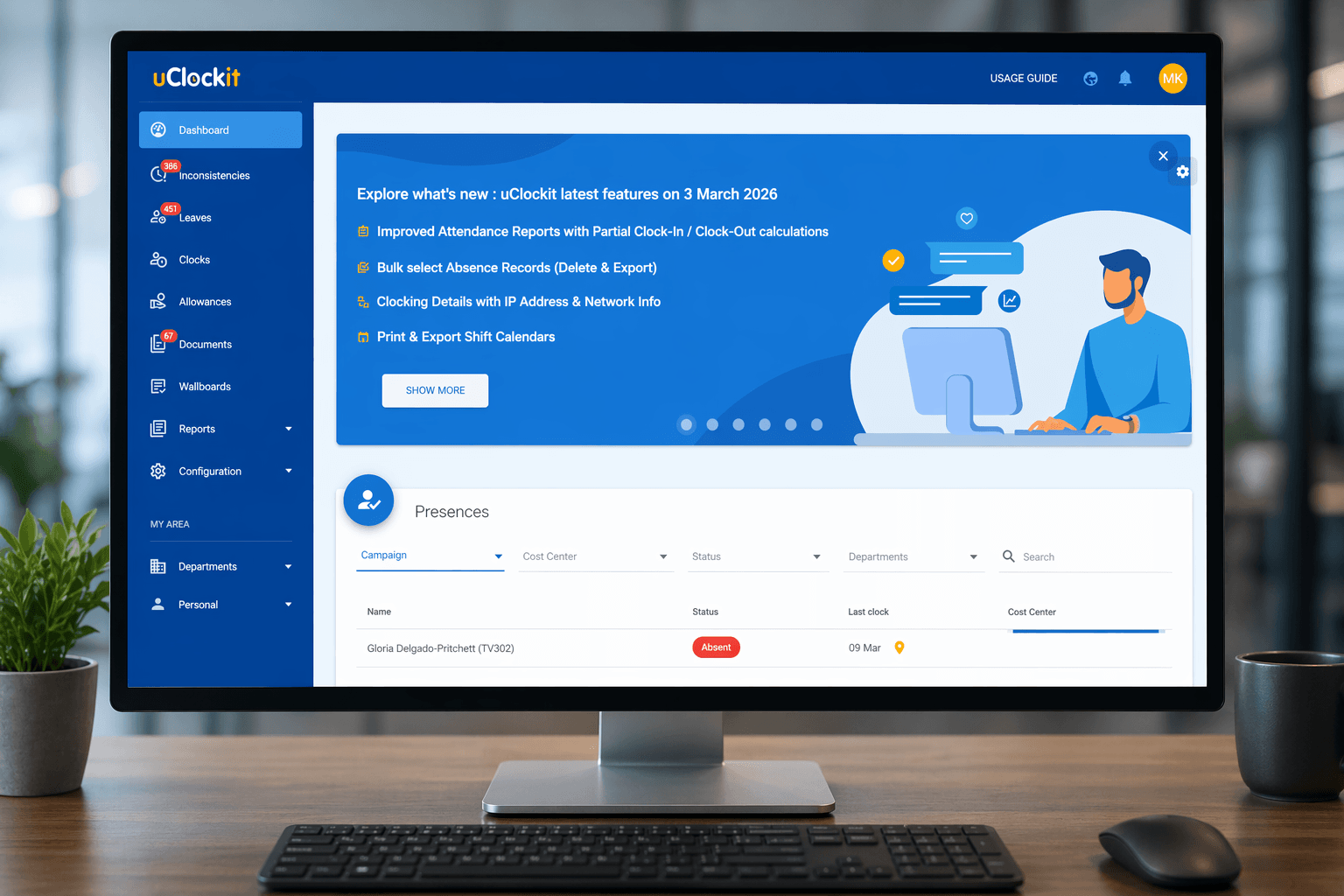
Time and Attendance Management

Clock-in via web, app or biometrics
Geolocation and schedule validation
Holiday, absence and leave management
Automatic reports and alerts
Learn more
Employee Portal
Computer / Browser
✔
Username + Password
✔
Individual Use
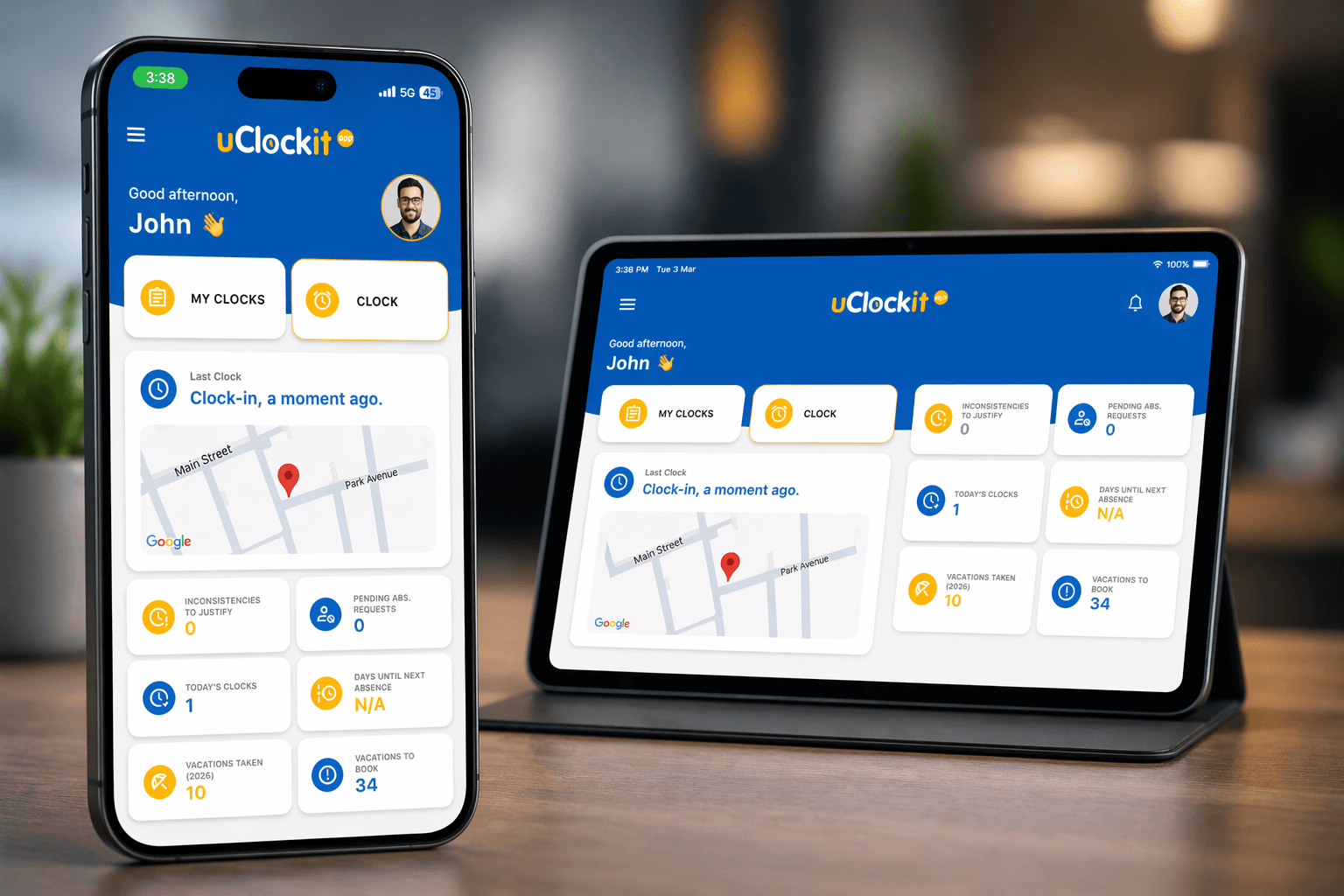
Mobile App
Smartphone / Tablet
✔
Password / Touch ID / Face ID
✔
Individual Login per Device
External Device
Physical Terminal
✔
Facial or Iris Recognition
✔
Multiple Users
BioFaceID via App
Smartphone / Tablet
✔
Multi-User Facial Recognition
✔
Multiple Users on the Same Device
NEW

Shifts and Schedules

Visual shift creation and editing with drag & drop and favourites
Quickly duplicate rosters across days, weeks or employees
Planning by location, cost center or department
Automatic notifications and personal calendar integration
Learn more

Cost Centers

Flexible creation and management of cost centers
Assignment of tasks, time and costs per employee
Budget control with variance analysis
Detailed financial reports by team, project or department.
Learn more

Allowances and Expenses

Quick submission of expenses and allowances through the app
Receipt upload and automatic organisation of requests
Custom policies, limits and rules
Simple approval, detailed reports and centralised control
Learn more

Digital Archive

Document organisation by category, employee or department
Easy file upload with quick access from the platform
Permission management to ensure security and access control
Approval workflows for documents and internal processes
Learn more

PPE Management

Real-time PPE inventory and control
Equipment assignment to employees, teams or departments
Record of deliveries, returns, photo proof and digital signatures
Expiry, compliance and stock level alerts
Learn more

Campaigns

Creation and management of internal or operational campaigns
Targeting by employees, teams or departments
Real-time monitoring of uptake and participation
Detailed performance and results reports
Learn more
SMART INTEGRATIONS

Integrations uClockit®

Connect uClockit® with the software you already use and improve your business efficiency.

HR Software

Two-way integration with the leading human resources management software.
Payroll

Automatic data transfer from uClockit® to your payroll system.

Project Management

Synchronisation with time and task management platforms.

Invoicing

Invoice generation based on time records integrated with uClockit®.

Integration Technology

Integrations can be done through our REST API with real-time synchronisation or via asynchronous batch processing, according to your company's needs.

Ready to connect uClockit®
to your digital ecosystem?

Contact us to find out more about the available integrations.

Contact us

Devices

Fast, secure and contactless biometric authentication
for demanding business environments.
Technology Partnership with IRIS ID

Native integration with leading facial and iris biometric recognition technology. 100% ready to work.

BIOMETRIC DEVICE

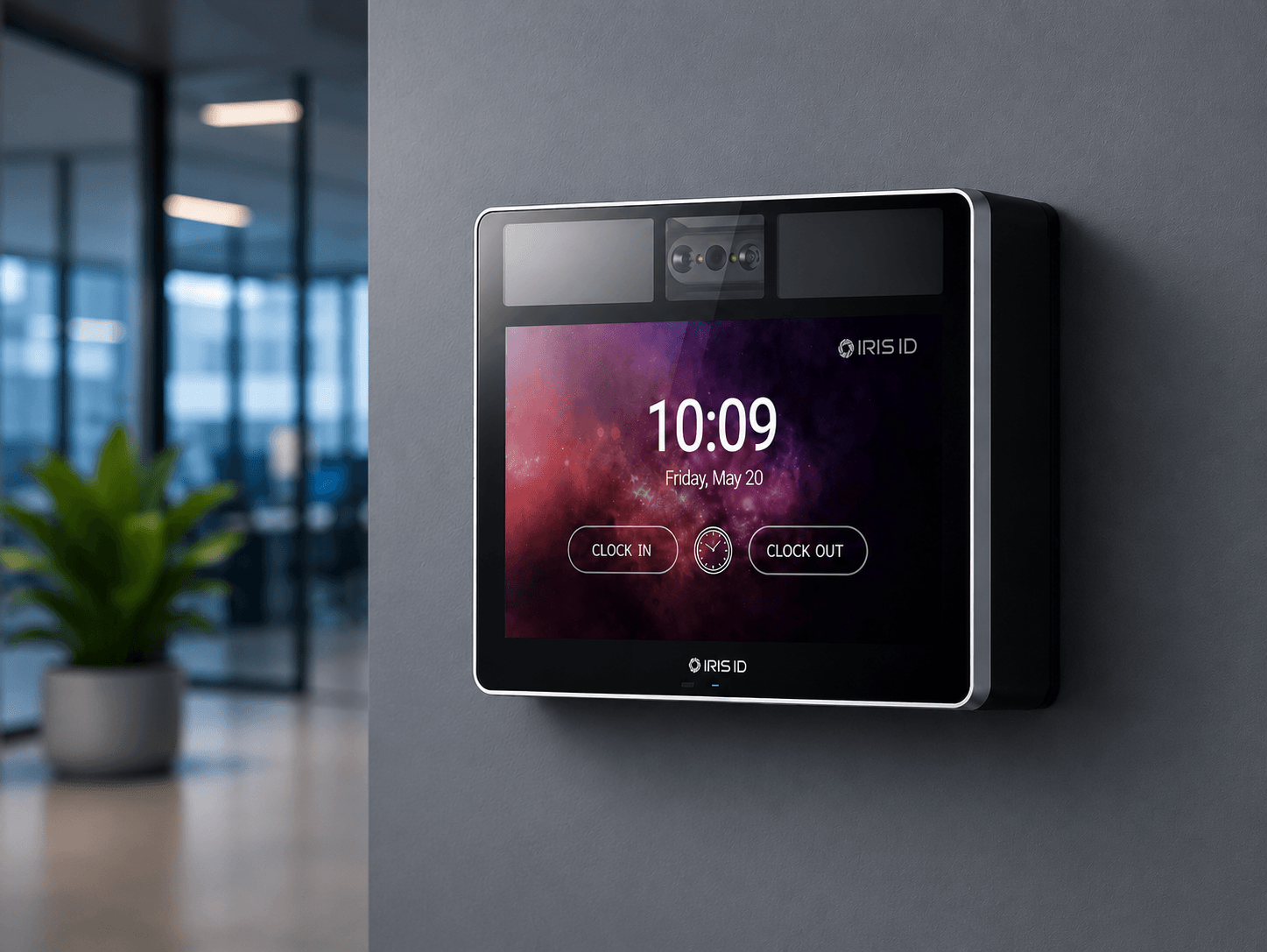
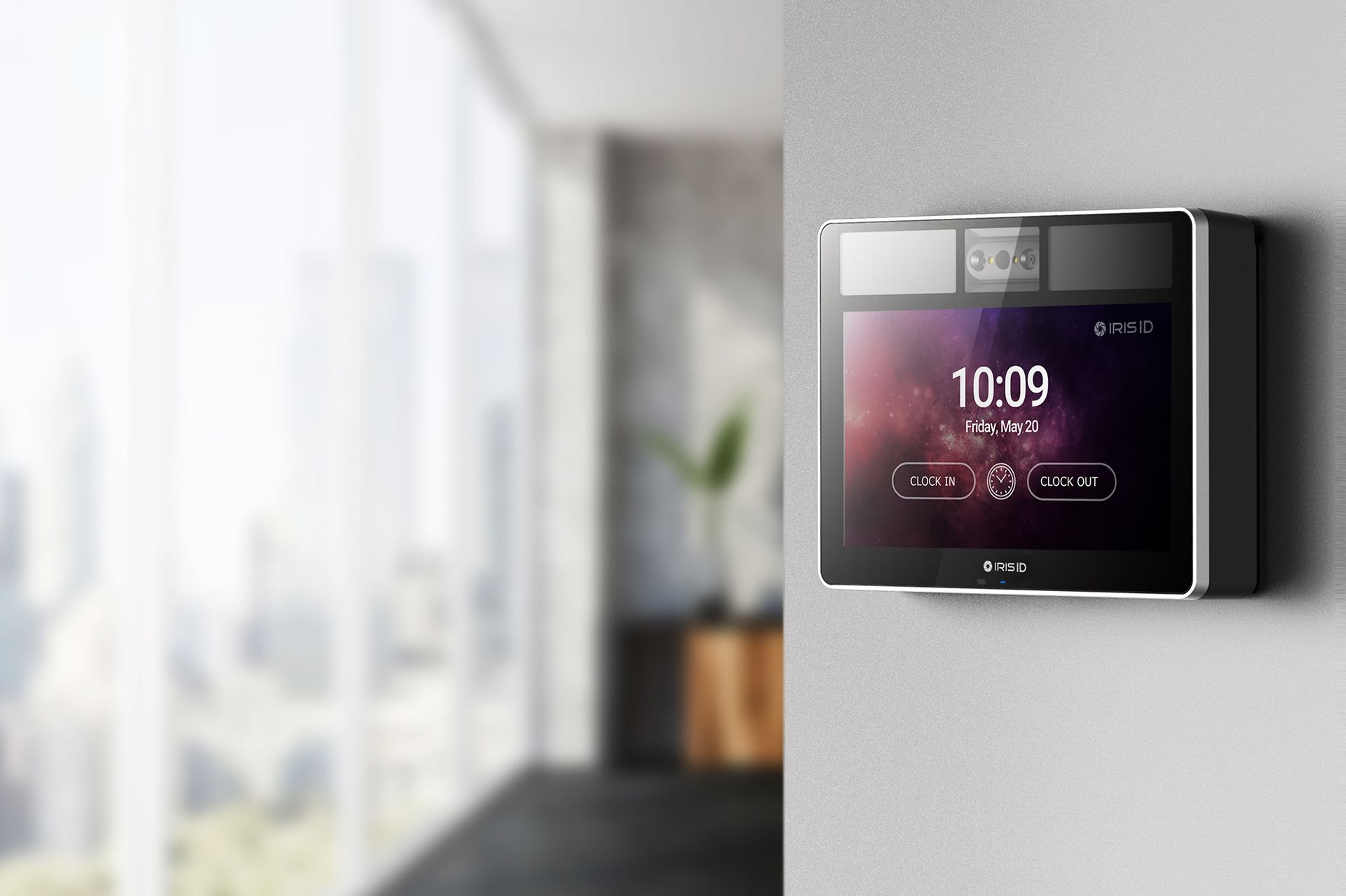
IRIS ID IT100

State-of-the-art iris and facial recognition.

Dual verification

Iris and facial for maximum accuracy.

Contactless

More hygiene, more security.

High accuracy

Prevents fraud and unauthorised access.

Native integration

Compatible with uClockit®.

Why choose this solution

Access in seconds

Greater day-to-day agility.

Less fraud

Enhanced security for your business.

Better experience

Comfort for employees and visitors.

Simple integration

Easy connection to your operations and systems.

Ready to elevate your
company's security?

Contact us and discover how the IRIS ID IT100 can transform your business security.

Contact us
Enterprise-grade security
World-leading technology
Dedicated help and support

Security and GDPR

Your employees' data is one of our top priorities.

uClockit was developed in accordance with GDPR principles, ensuring the protection and security of your employees' data.

Learn more

That is why we chose Google Cloud Platform as an infrastructure solution that meets security requirements and is fully aligned with GDPR compliance.

Learn more

Frequently asked questions

What are the main benefits of uClockit for your company?

uClockit was developed to simplify the management of administrative processes related to human resources, both for the HR department and for all employees. Ideal for those who want to improve efficiency and productivity and leave behind paper, forms, emails and the confusion of multiple files.

Is uClockit only suitable for medium and large companies?

Not at all! uClockit was designed for every company that wants to simplify its administrative procedures in a simple, intuitive way that is quick to set up. Today uClockit is used by companies with hundreds of employees, but also by many companies with 10 to 20 employees that want to take advantage of the digital transition.

What are the minimum requirements to use uClockit?

To use uClockit, you only need an Internet connection. The uClockit portal can be accessed from any device, and the mobile app is available on iOS and Android.

How long does it take before I can start using uClockit?

uClockit does not require any local installation on computers. Once you confirm your subscription to the uClockit service, you will receive the access credentials to your dedicated Portal within 24 hours. You can start using the platform immediately.

Which modules are available for Human Resources Management?

The following modules are available:


- Base (Employee and Absence management)
- Time and Attendance and Schedule Management
- Digital Archive
- Advanced Shifts and Schedules
- Cost Centers and Timesheets

If clock-ins are made using mobile devices, how are employees' identity and location guaranteed?

uClockit's settings allow the HR department to decide whether users must identify themselves at each clock-in or not.

The app adapts to the features of each mobile device, allowing each user to choose the most suitable identification method (password, fingerprint or facial recognition).

When setting up uClockit, you can also enable geolocation to geographically restrict users' clock-ins; this way uClockit will only accept clock-ins when the employee is within an authorised area/address.

Can uClockit data be exported?

Of course! uClockit lets you export all recorded data (employee list, schedule list, etc.), in addition to the available management reports.

We also provide a REST API so you can connect directly to uClockit data.

Is it possible to integrate payroll or other software with uClockit?

Yes, it is. To make integration with external software easier (e.g. payroll, accounting, other), a REST API is provided that allows a native integration.

How can employees record their clock-ins and clock-outs?

Employees can record clock-ins and clock-outs through several options:


- On a smartphone - iOS and Android app

- On a tablet

- On the Employee Web Portal

- On a biometric terminal with fingerprint

- On a biometric terminal with facial recognition

- On a biometric terminal with iris recognition