Start with the essentials and add features as your company grows.
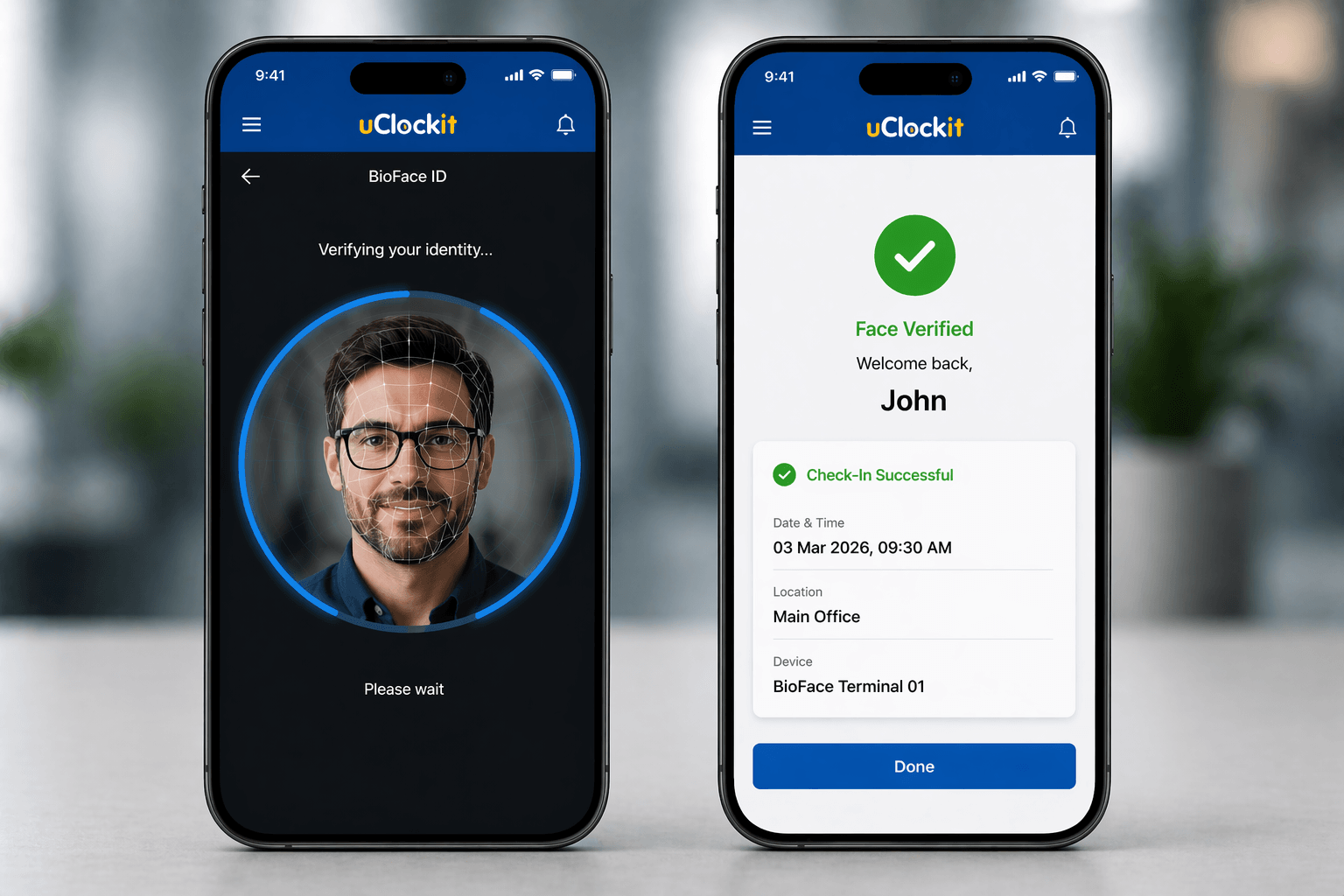
Attendance control through facial recognition.
Activate only the modules you need. Grow at the pace of your business.
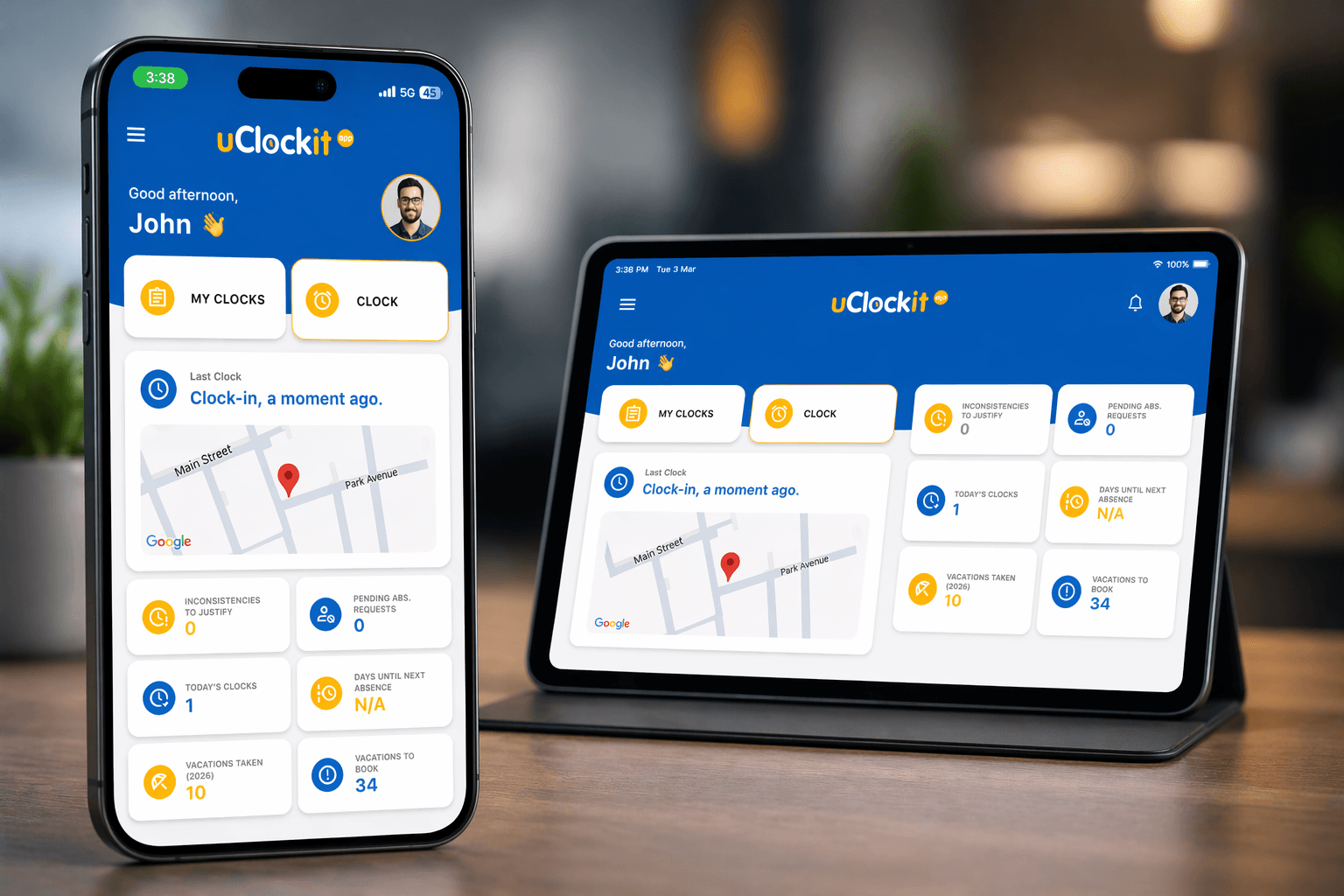
Record attendance, schedules, and absences in real time with complete accuracy.
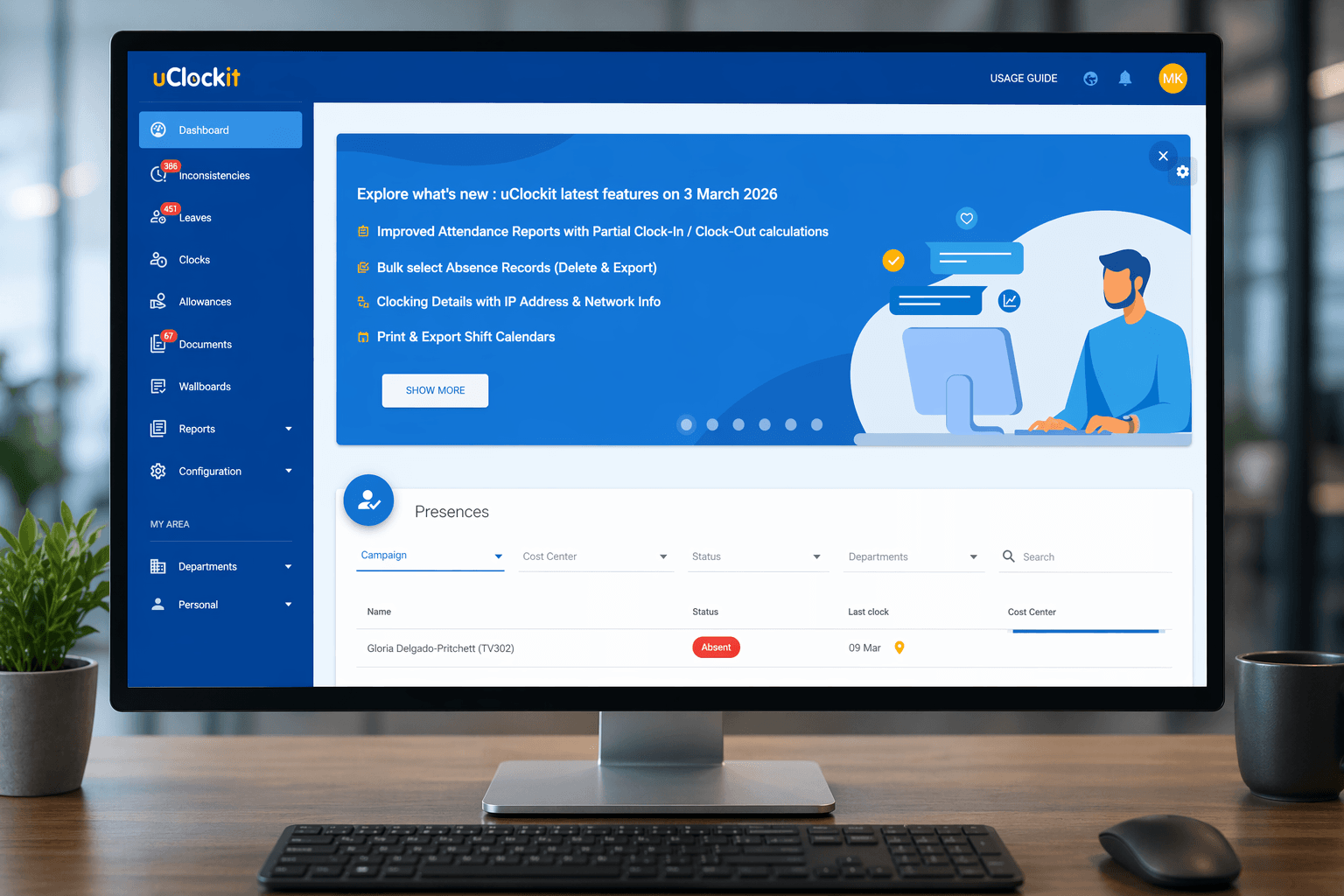
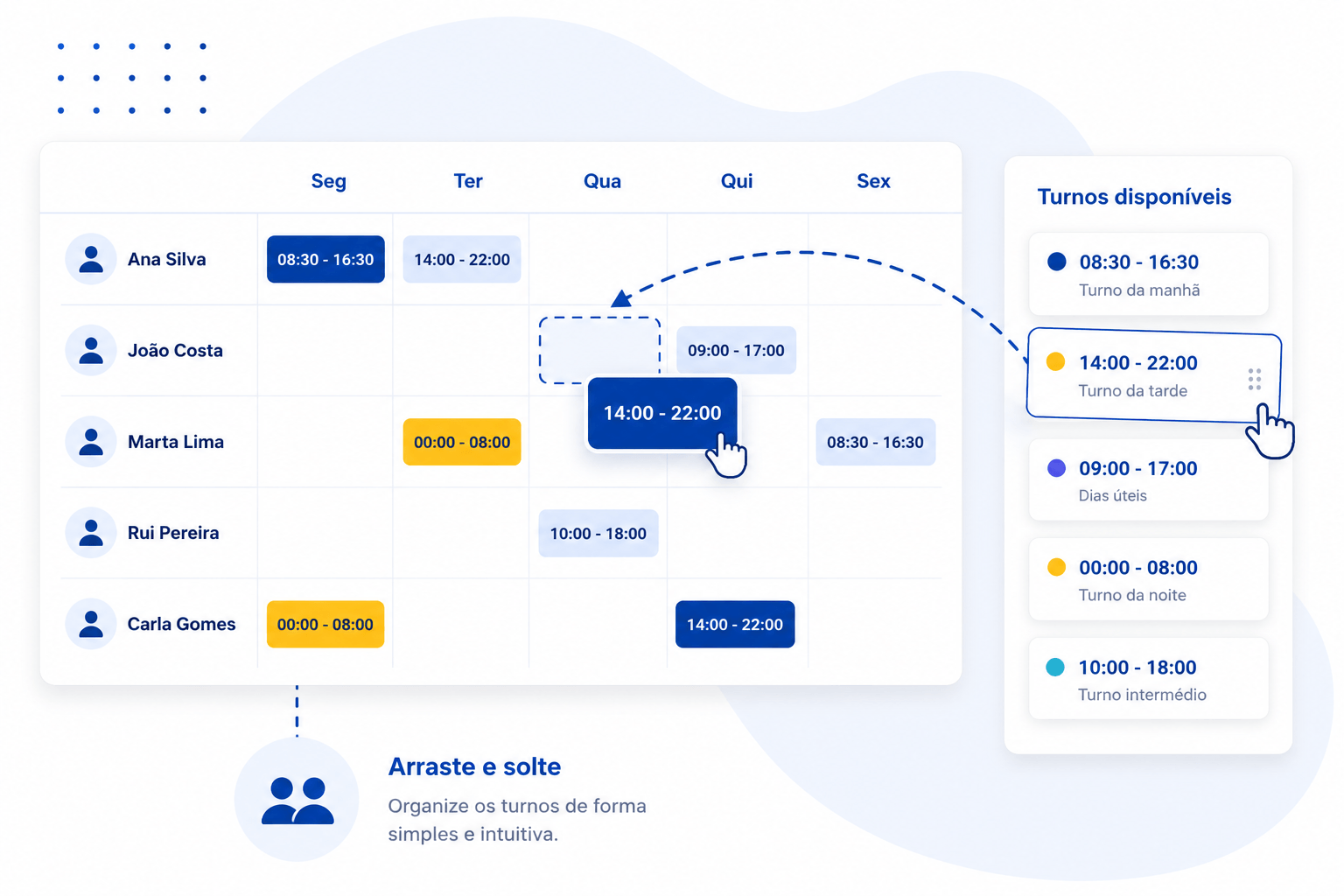
Plan teams and schedules simply, quickly, and visually

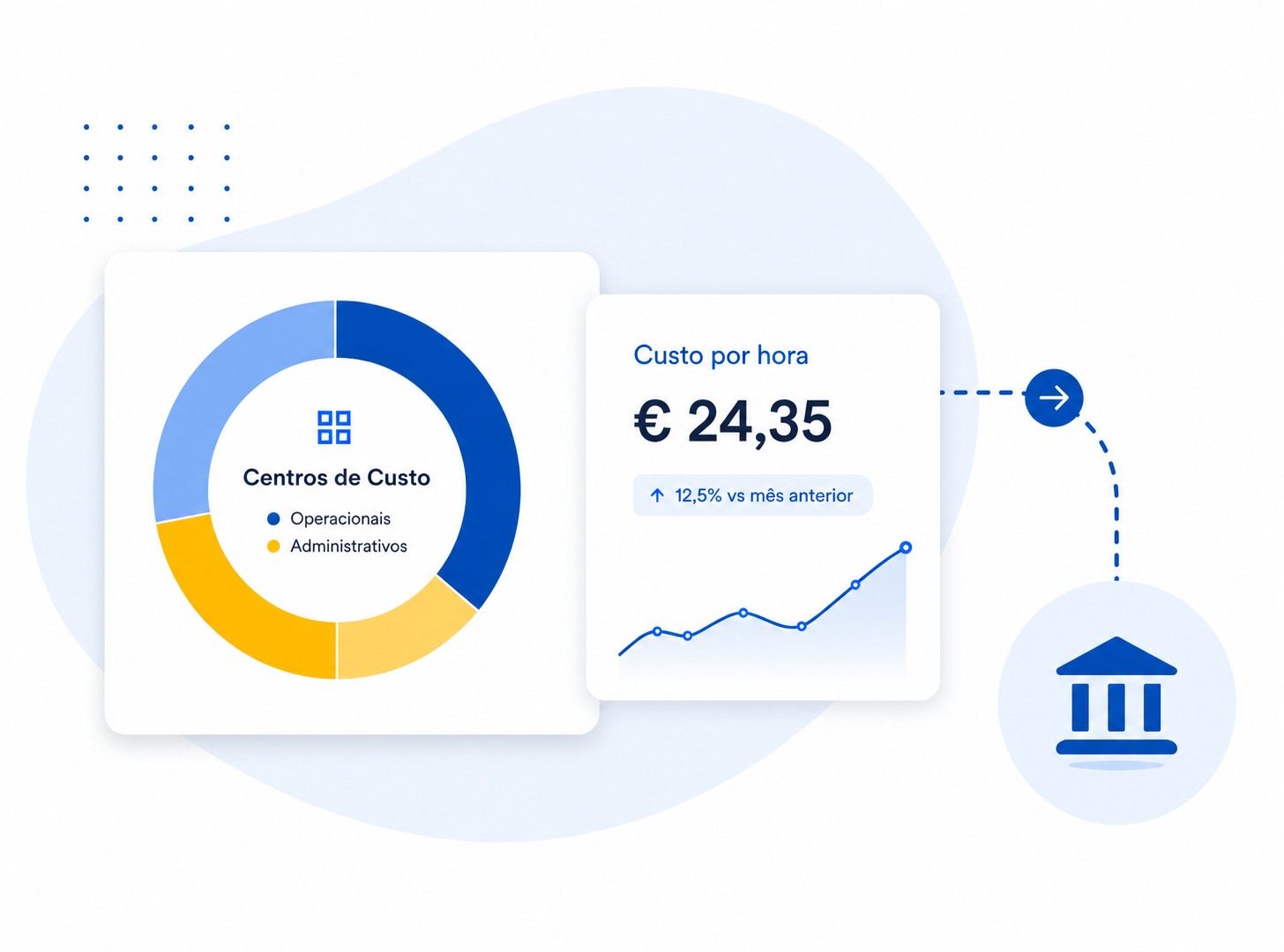
Track time and control costs with clarity.

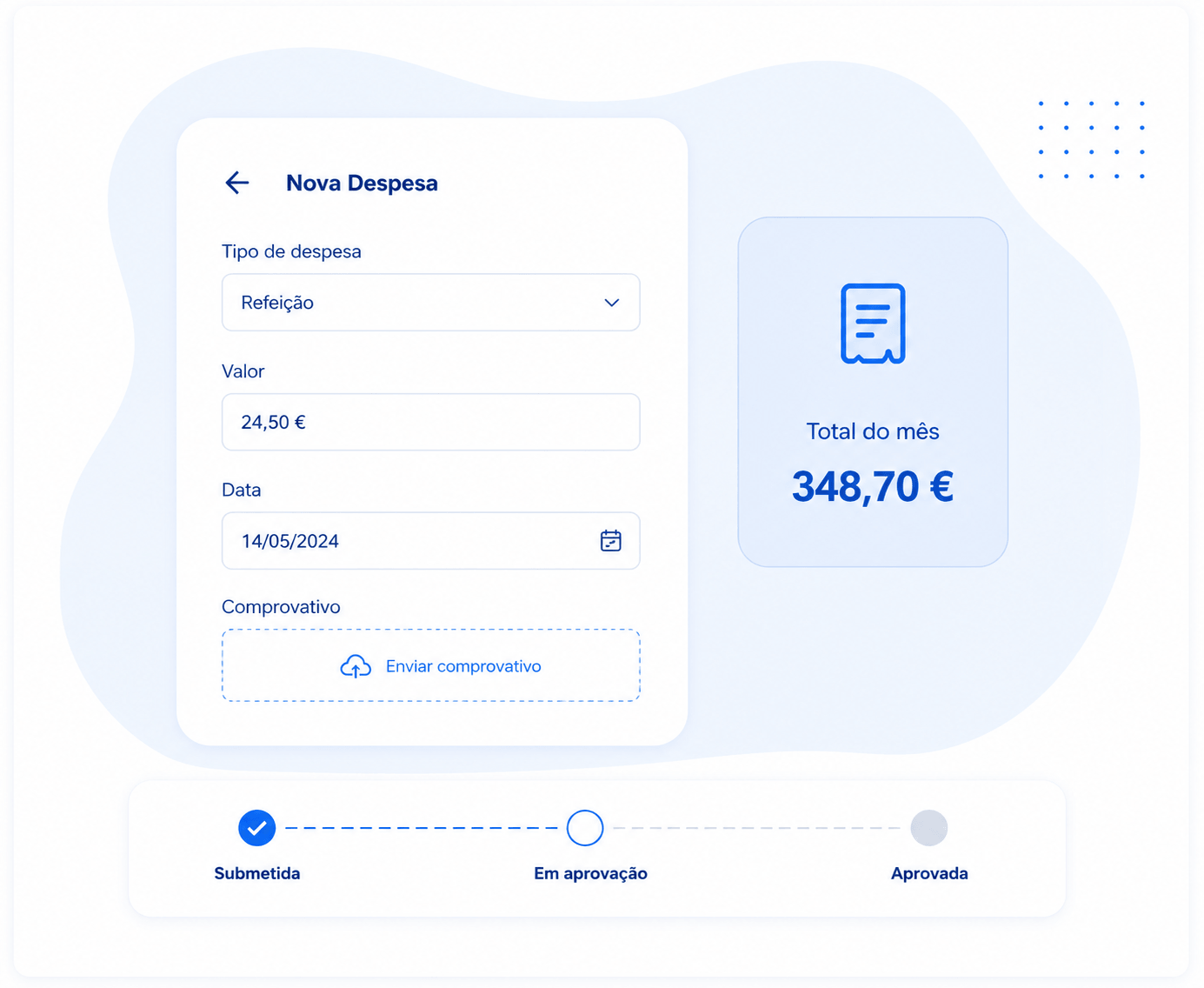
Manage team expenses without the hassle.
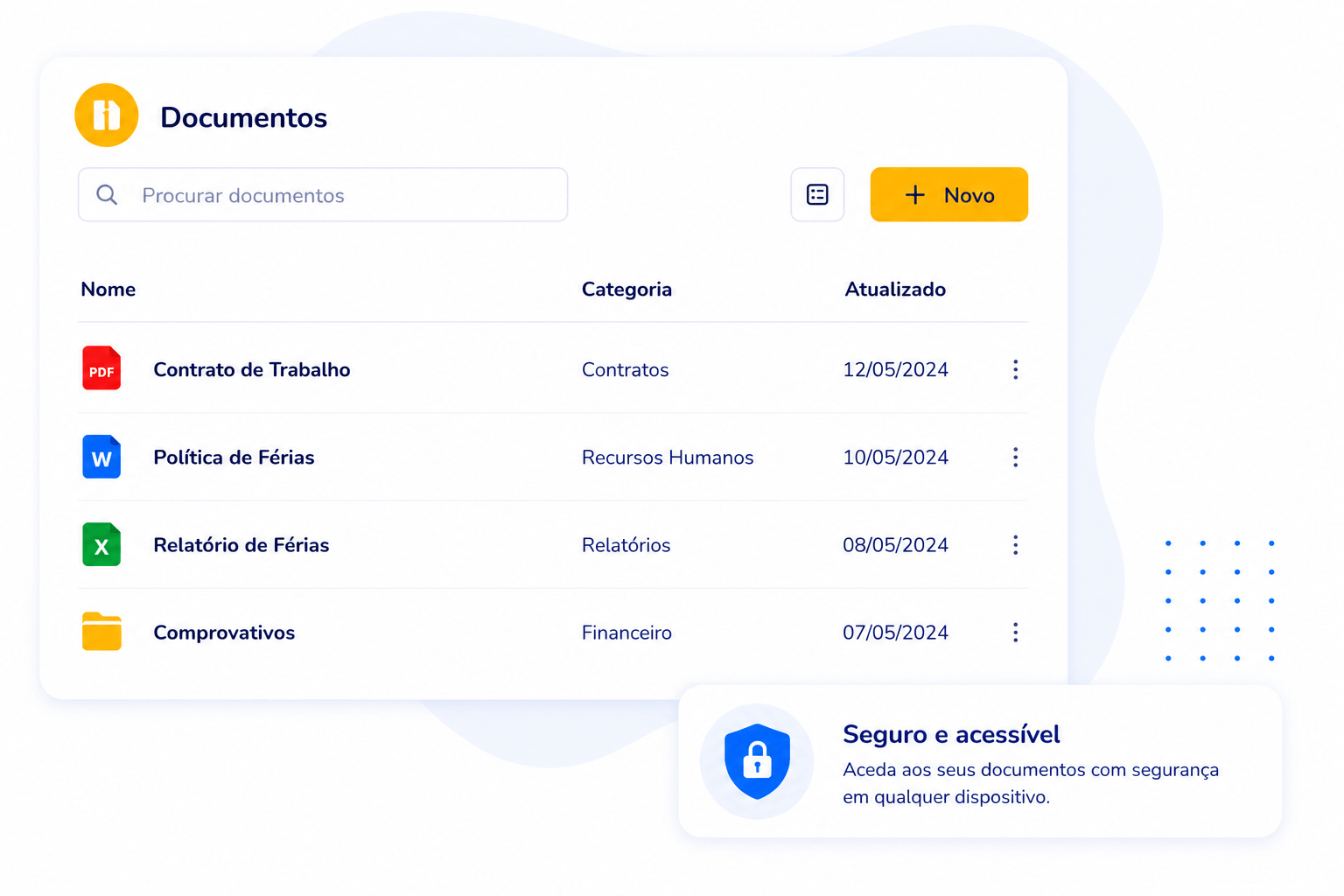
Store and access documents in one secure place.
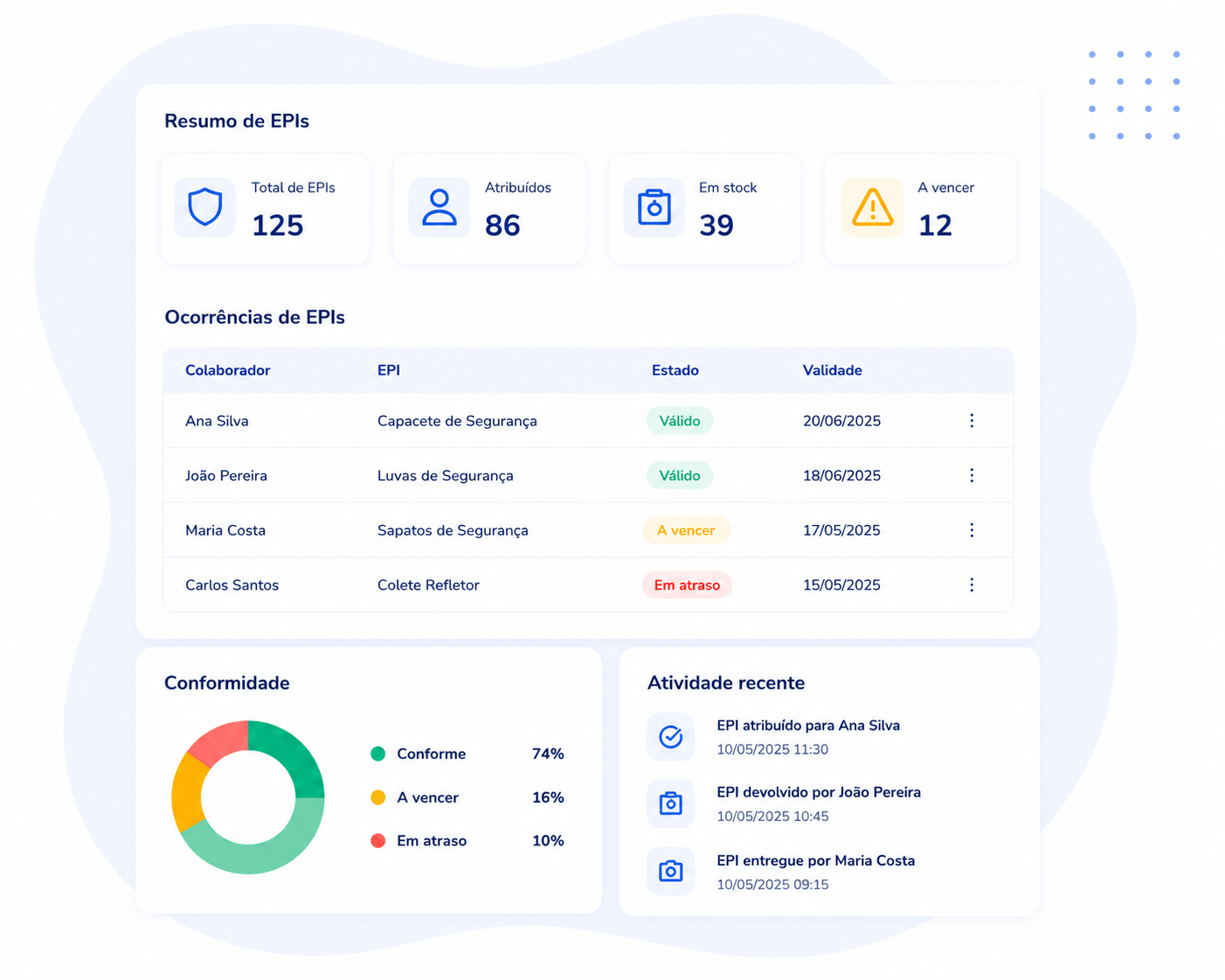
Stay compliant and in control of equipment.

Plan, track and optimise your campaigns.
Connect uClockit® with the software you already use and improve your business efficiency.
Two-way integration with leading human resources management software.

Automatic transfer of data from uClockit® to your payroll system.
Synchronisation with time and task management platforms.
Generate invoices based on time records integrated with uClockit®.
Integrations can be implemented through our REST API with real-time synchronisation or via asynchronous batch processing, depending on your company’s needs.
Fast, secure, and contactless biometric authentication for demanding business environments.

Native integration with leading facial and iris biometric recognition technology. 100% ready to work.
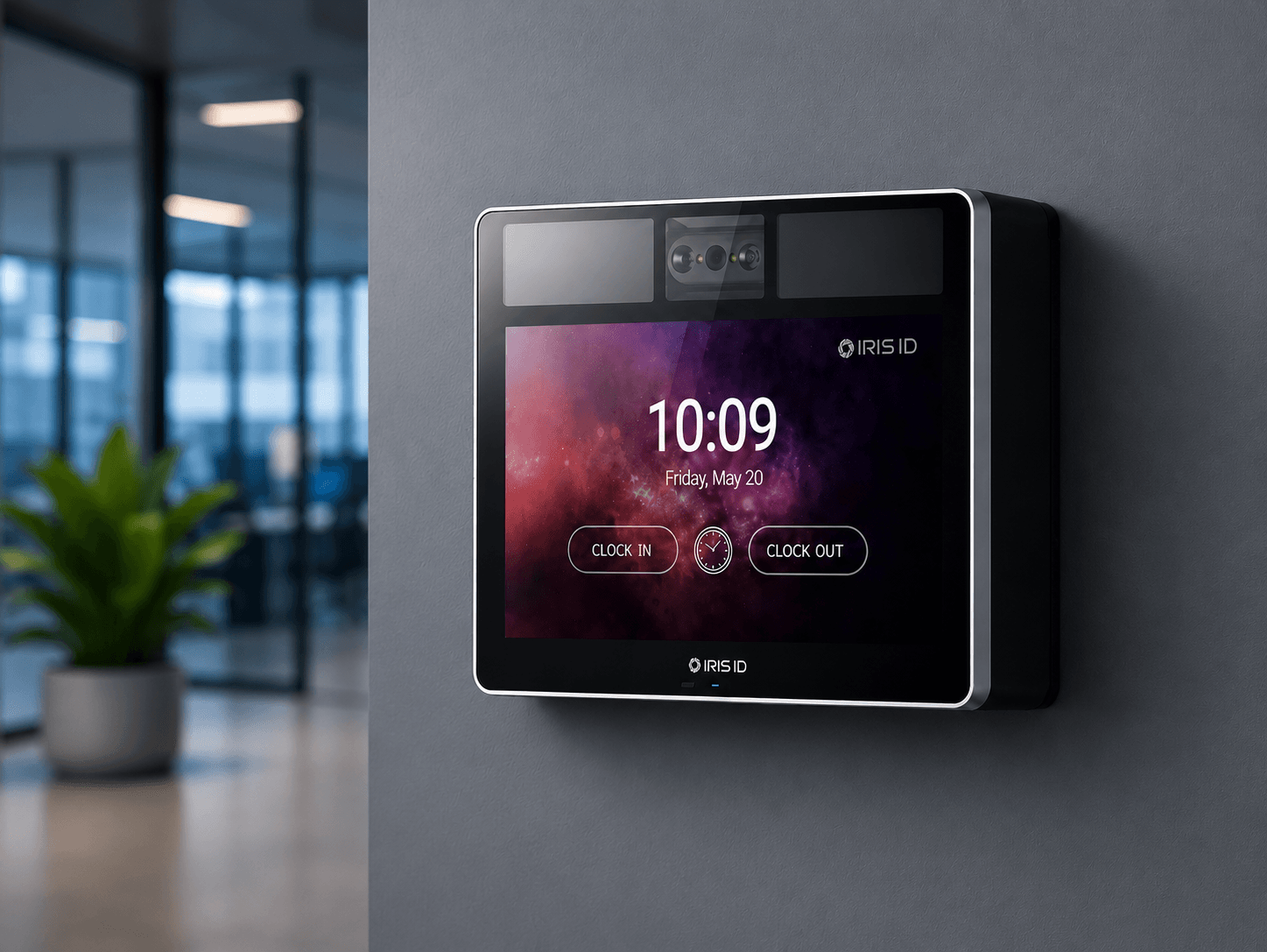
Next-generation iris and facial recognition.
Iris and facial recognition for maximum accuracy.
More hygiene, more security.
Prevents fraud and unauthorized access.
Compatible with uClockit®.
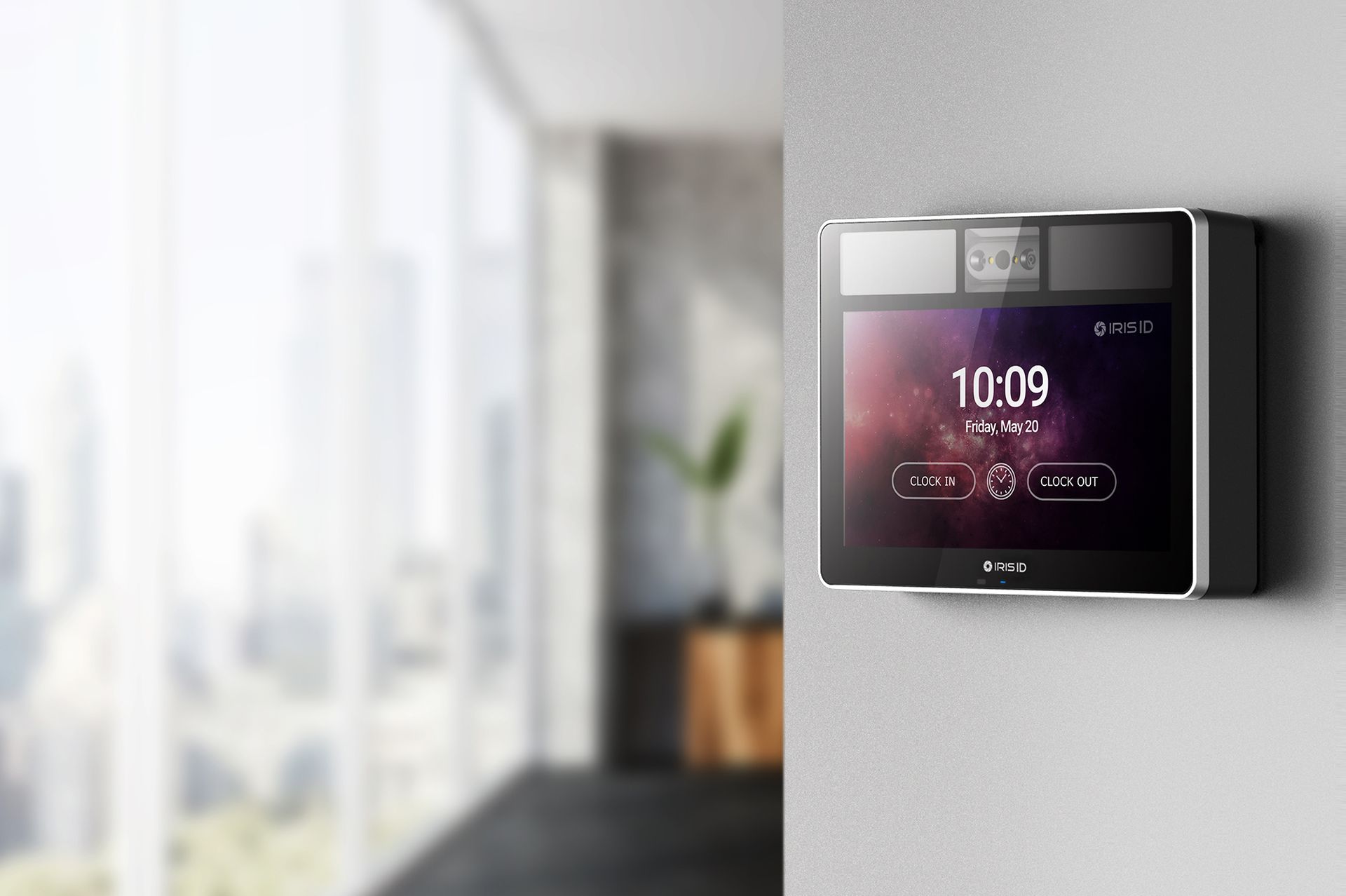
Greater agility in daily operations.
Enhanced security for your business.
Comfort for employees and visitors.
Easy connection to your operations and systems.
Talk to us and discover how the IRIS ID IT100 can transform your business security.
uClockit was developed with the goal of simplifying the management of administrative processes associated with human resources, both for the HR department and for all employees. Ideal for those who want to improve efficiency and productivity, and leave behind paper, forms, emails, and the clutter of various files.
Of course not! uClockit was designed for all companies that want to simplify the most administrative procedures, in a simple, intuitive and quick way to configure. uClockit is currently used by companies with hundreds of employees, but also by many companies with 10 or 20 employees who want to take advantage of the benefits of digital transition.
To use uClockit, you only need an internet connection. The uClockit portal is accessible from any device, and the mobile app is available on iOS and Android.
uClockit does not require any local installation on computers. Upon confirming your subscription to the uClockit service, you will receive your access credentials to your dedicated portal within 24 hours. You can start using the platform immediately.
The following modules are available: - Basic (Employee and Absence Management) - Attendance and Time Management - Digital Archive - Advanced Shifts and Schedules - Cost Centers and Timesheets
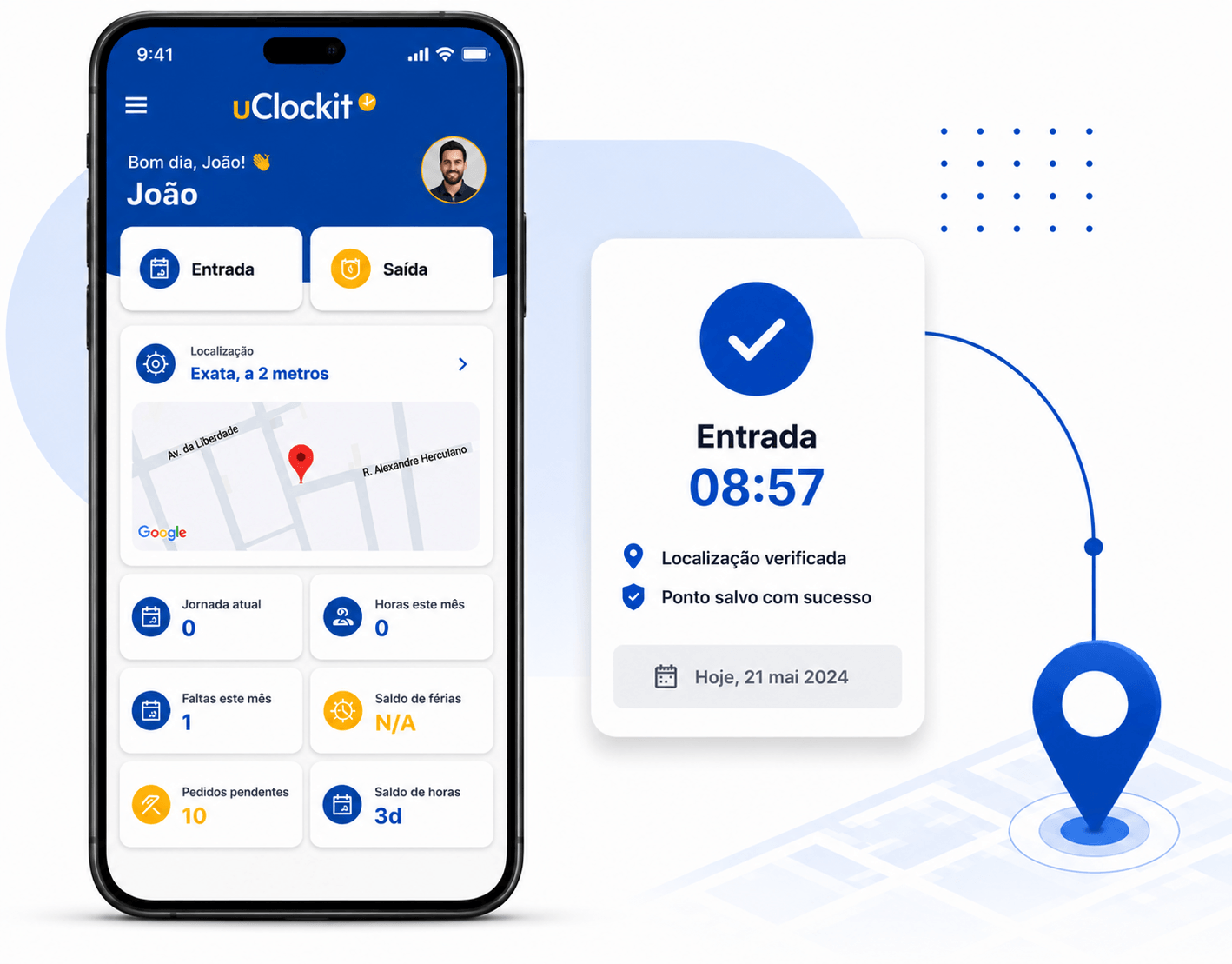
The uClockit configuration allows the HR department to define whether users should identify themselves at each registration or not. The application adapts to the characteristics of each mobile device, allowing each user to choose the most suitable identification method (password, fingerprint, or facial recognition). When configuring uClockit, it is also possible to activate geolocation to geographically limit user clocking in/out; in this way, uClockit will only accept clockings/outs when the employee is in an area/address authorized for this purpose.
Of course! uClockit offers you the possibility to export all recorded data (employee list, schedule list, etc.), in addition to the available management reports. We also provide a REST API so you can connect directly to your uClockit data.
Yes, it is possible. In order to facilitate integration with external software (e.g., payroll, accounting, etc.), a REST API is provided that allows for native integration.
Employees can register their arrivals and departures through several options: - On their Smartphone - iOS and Android App - On a tablet - On the Employee Web Portal - At a biometric terminal with fingerprint scanning - At a biometric terminal with facial recognition - At a biometric terminal with iris recognition


.png)